 Booking Handbook
Do you need booking software?
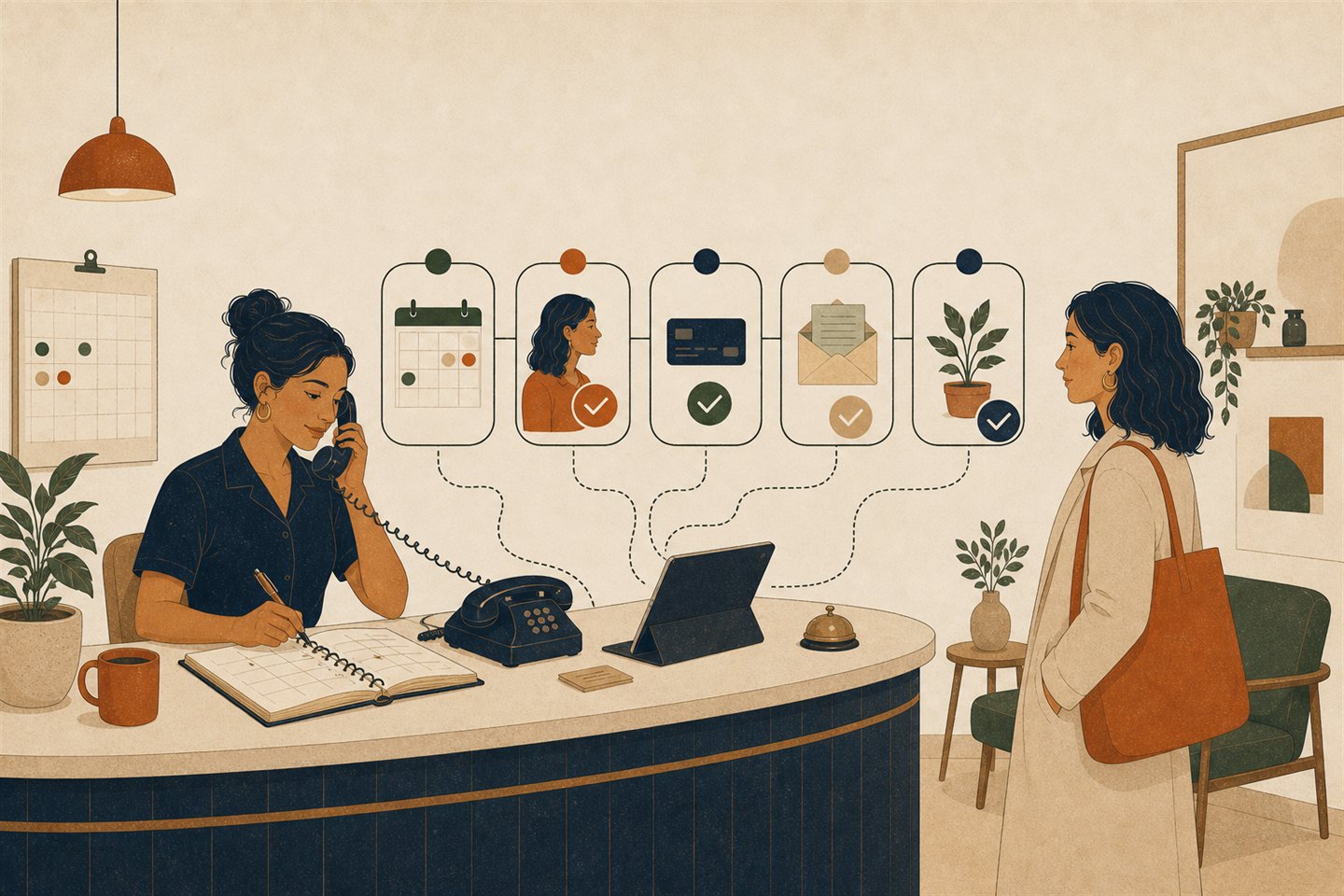
First checks
- The customer chooses what to book
They select a service, appointment, class, or reservable resource, who should provide it when that matters, and sometimes a location or delivery method.
- The system checks your rules
It compares staff hours, existing bookings, service length, preparation time, rooms or equipment, and any booking limits you set.
- The customer chooses an allowed time
Only times that pass those rules appear. The customer enters the details you genuinely need to deliver the service.
Would booking software actually help you?
Check what is true in your business today. This is a planning signal, not a product score or recommendation.
Check anything that is true today
Choose the statements that match your business. This panel will suggest a planning step—not a product.
This result helps you choose the next planning step. It does not prove that any particular product is suitable.
What happens after a customer clicks Book?
A useful booking system applies your rules before a time is offered, then keeps the appointment consistent when something changes.
- The customer chooses what to book
They select a service, appointment, class, or reservable resource, who should provide it when that matters, and sometimes a location or delivery method.
- The system checks your rules
It compares staff hours, existing bookings, service length, preparation time, rooms or equipment, and any booking limits you set.
- The customer chooses an allowed time
Only times that pass those rules appear. The customer enters the details you genuinely need to deliver the service.
- The booking is confirmed
The appointment is recorded, both sides receive the right information, and optional payment or deposit rules are applied.
- Changes follow the same rules
Rescheduling, cancellation, reminders, refunds, and staff changes should update the same appointment instead of leaving two conflicting copies.
What does the customer reserve?
Booking software connects the customer's choice to what's available.

A person, a service, a time.
For a lesson or consultation, the right person must be available for the whole appointment.

A place, a resource, a time.
For a studio, room, or piece of equipment, the space or resource must be available for the whole reservation.
- Booking software
- A broad term for systems that let a customer request or reserve an allowed service, time, place, person, or resource.Use it when discussing the complete customer-to-staff workflow.
- Appointment scheduling software
- Usually emphasizes a person-led service at a chosen time: a consultation, lesson, treatment, or professional appointment.Use it when staff time and a customer meeting are the main constraints.
- Reservation system
- Usually emphasizes limited capacity or a resource: a room, class seat, vehicle, workstation, or piece of equipment.Use it when the inventory being held matters as much as the time.
- Calendar
- A record of events and time. It may be one input to availability, but it is not automatically a customer booking workflow.Use it for the event record; verify separately which booking rules are enforced.
See what a booking system can help with
It can help you
- Show customers which appointments, classes, services, or resources they may reserve
- Protect staff, location, room, and equipment availability
- Collect essential contact details and booking information
- Send confirmations, reminders, and change notices
- Apply your cancellation, deposit, and rescheduling rules
- Give staff one shared view of upcoming work
- Record phone and walk-in appointments alongside online bookings
It will not
- Decide your opening hours, service length, or cancellation policy for you
- Fix a confusing service list or an unreliable operating process
- Guarantee that every customer attends or pays
- Remove the need for a person when a customer has an unusual request—you can still take calls
- Prove that a particular product fits your business
- Make complex rules disappear—they still need to be configured and tested
Compare the five operating models
Start with what the booking consumes and who must coordinate it. These are workflow models, not product categories or rankings.
Manual booking or a shared calendar
A few predictable bookings, one person controls the schedule, and customers do not mind calling or messaging.
Watch forMove on when availability questions, missed changes, duplicate records, or after-hours requests become regular work.
A simple appointment link
Customers choose from one-to-one service times and the main job is reducing back-and-forth availability messages.
Watch forCheck staff calendars, minimum notice, extra gaps before or after appointments (often called buffers), time zones, cancellation rules, and what happens when a message fails.
A managed booking workflow
Several staff, services, locations, policies, payments, or customer records must stay coordinated around one appointment.
Watch forA long feature list is not enough. Test the same booking, change, failure, and recovery path before choosing a product.
A class or resource reservation workflow
The booking consumes seats, rooms, equipment, vehicles, or another limited pool as well as time.
Watch forCheck how many places exist, whether a place can be held temporarily, who joins the waiting list, and when a cancelled place becomes available again.
A mobile or customer-location workflow
Eligibility depends on the service address, worker coverage, travel, arrival windows, or location-specific fees.
Watch forAddress collection does not prove service-area enforcement. Test eligibility, reassignment, changes, travel feasibility, and cleanup separately.
Learn the moving parts and preparation steps
Services
What customers can book, how long it takes, what it costs, and which staff or resources can deliver it.
Availability
Working hours, breaks, existing commitments, preparation time, and the rules that hide times you cannot actually work.
Booking page
The customer-facing steps for choosing a service, time, location, and any required information.
Notifications
Confirmations, reminders, changes, cancellations, alerts when a message fails to send, and the messages staff need to see.
Changes
What customers and staff may reschedule or cancel, when they may do it, and what happens afterward.
Payments and forms (optional)
Deposits, balances, refunds, questions customers answer before arrival, consent, and other genuinely needed information. Ask where customer information is stored, who can access it, and how it can be exported or deleted. Skip payments or forms when your workflow does not need them.
Website, calendar, and payment links
Some products provide a hosted booking-page link, and some let you add that journey to a website. Calendar and payment connections may help carry busy time or checkout rules into the workflow, but the connection alone does not prove that availability, money, messages, and later changes stay reconciled.
What changes the cost
Compare the same six cost drivers for every current product and plan.
- Number of staff members and locations
- Appointment, class, or resource-reservation complexity
- Text-message, email, and notification usage
- Payment processing and transaction charges
- Integrations, add-ons, branding, and reporting
- Moving existing customers and bookings, plus setup, training, and ongoing administration time
What to prepare
- List the services customers may book and the real time each one consumes.
- Write staff hours, breaks, locations, rooms, equipment, existing calendar commitments, and future bookings that must be carried over.
- Decide notice, cancellation, rescheduling, deposit, and reminder rules before configuring them.
- Build one normal booking from start to finish using made-up customer details, then check where that information is stored and who can access it.
- Test a cancellation, reschedule, staff change, failed payment or message, and any important exception.
Run a controlled fictional trial
Run one small, reversible trial before moving real bookings.
Use made-up customer information and a quiet test calendar. A normal booking is only the start; the change and recovery paths reveal whether the workflow stays understandable.
- Create one made-up test service with a realistic duration, price rule, staff owner, and required resource.
- Complete the booking once as a customer and once as a staff member, then compare the final appointment record.
- Reschedule and cancel the same appointment. Confirm that calendars, capacity, money, and messages follow the new state.
- Try one blocked time or unavailable resource and confirm that the customer cannot create a conflicting booking.
- Simulate one failed payment or undelivered message without using a real charge or customer contact.
- Export the test record, remove the made-up data, and confirm what the product keeps after cleanup.
Avoid common beginner mistakes
Starting with product names
Write one normal booking, one change, and one unacceptable failure before opening a pricing page.
Treating an integration logo as proof
Use the same made-up test booking to check direction, delay, conflicts, repeating appointments, time zones, disconnects, and recovery.
Confusing staff records with user access
A provider can exist on a calendar without receiving a separate login, clear controls for what they can see or change, or a supported worker app.
Comparing only the monthly price
Include messages, transactions, add-ons, setup, training, migration, maintenance, and the labor left outside the system.
Moving every customer at once
Test one small made-up booking first, preserve an export, and decide how you would return to the old process before moving real customers.
Claiming outcomes from features
A reminder can be configured, but attendance still depends on delivery, timing, consent, customer behavior, and recovery.
Read the beginner questions and answers
Do I need booking software for only a few appointments each month?
Not necessarily. If a manual process is quick, accurate, and acceptable to customers, software may add more setup than value. Record the repeated work and errors first, then change only when the coordination cost is real.
Is a web calendar enough?
A calendar can hold events. A booking workflow also decides what customers may request, which rules make a time valid, what information is required, and how changes, messages, money, and resources stay linked.
Can I show availability without allowing instant booking?
Yes as an operating choice: you can publish general availability or accept requests that staff approve. Confirm that the system labels a request differently from a confirmed appointment and prevents the same capacity being promised twice.
Will calendar sync prevent double-booking?
It can contribute to conflict protection, but a connection alone proves nothing about direction, timing, staff calendars, recurring events, time zones, or recovery. Those behaviors need a controlled test.
Should I start with free software?
Start with the smallest workable route, which may be manual, free, or paid. Compare the complete operating cost and the limits that affect your real workflow rather than treating zero subscription cost as zero cost.
Open the detailed guideShould I build a booking system or buy one?
Use an existing or configured system when it satisfies the must-haves with acceptable ownership and maintenance. Consider integration or custom work only after a precise material gap survives a fair product test.
Open the detailed guideDo I need a website before I can take online bookings?
Not always. A product may provide its own hosted booking-page link that you can share directly. A website can make the journey easier to explain, but the booking link and the website are separate decisions; verify the sharing and embedding options for the product and plan you are considering.
What if most customers still book by phone or in person?
That can remain part of the workflow. Staff should be able to record a phone or walk-in appointment in the same schedule so online customers do not see that time as available. Test both paths before moving real bookings.
Why does this guide not give one price or setup-time estimate?
The useful number depends on staff, locations, messages, payments, integrations, migration, and the rules you must configure. Record those requirements first, then compare current total cost and setup effort for the same workflow in the detailed cost guide.
Open the detailed guideContinue through every supporting guide
Write your needs before looking at product names.
A product tour is much easier to judge when you already know the normal booking it must complete, the rules it must protect, and the failures you will not accept.
- Describe one normal booking from the customer's first click to the completed appointment.
- Choose three must-haves and three problems that should immediately disqualify a system.
- Use that same example when you test every product.