 Booking Handbook
Switch without losing appointments.
First checks
- Model the business first
Define the service, people, places, time rules, policies, and customer journey before touching import tools.
- Move meaning, not rows
Preserve identities, relationships, statuses, time zones, money references, forms, history, and known omissions.
- Rehearse away from live data
Use invented records to prove import, staff work, customer booking, cancellation, export, and recovery.
- Keep the old route recoverable
A cutover needs a freeze, reconciliation, stop trigger, rollback path, owner, and controlled reopening.
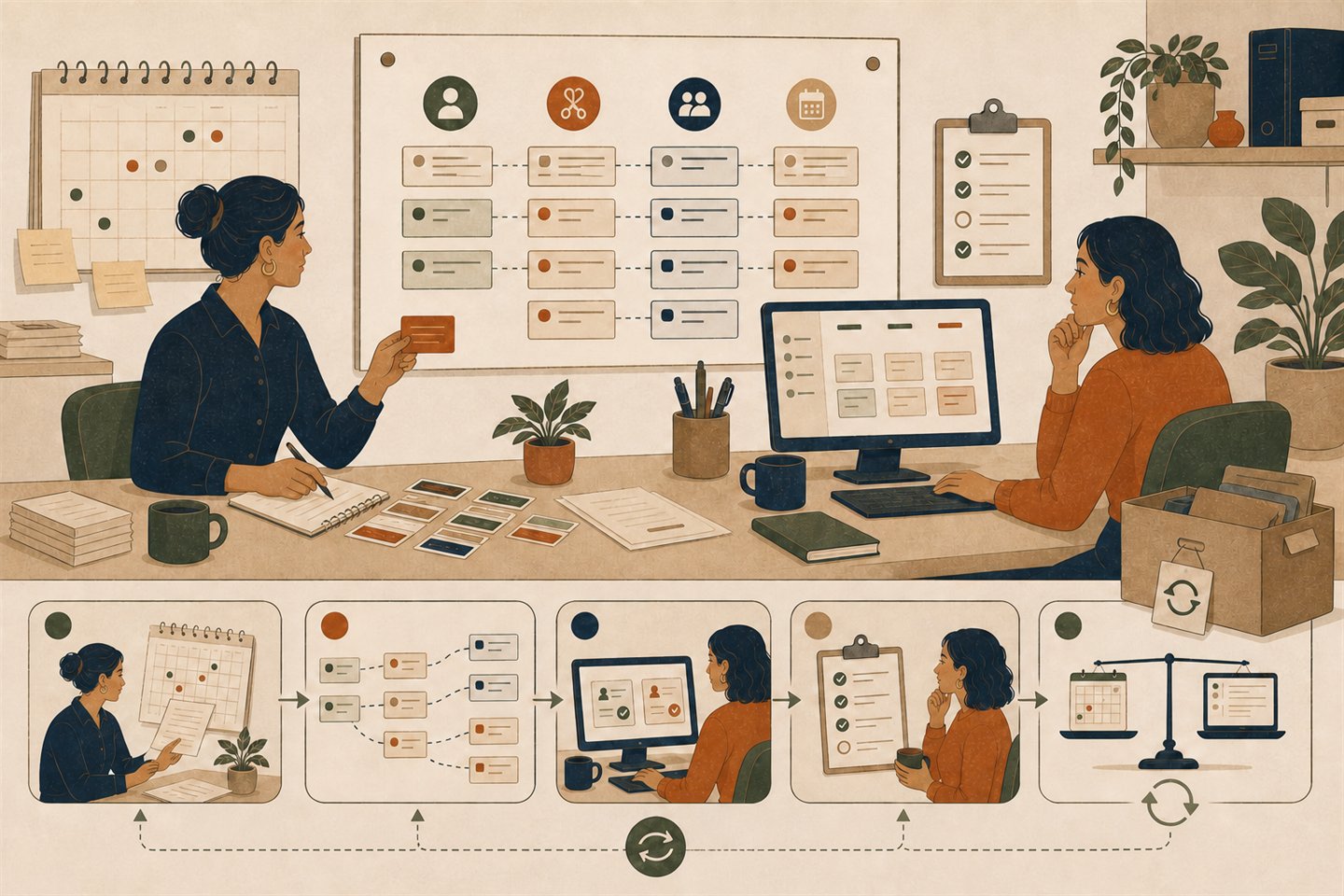
What must happen before a cutover is scheduled?
Choose the current evidence state for the product-neutral plan. The result names the next checkpoint; it does not authorize a live migration.
Run the reversible rehearsal next
A complete mapping has not yet passed a reversible synthetic import rehearsal.
- Requirements
- complete
- Configuration
- complete
- Source inventory
- complete
- Field mapping
- complete
- Import rehearsal
- not-run
- Staff-role test
- not-run
- Customer-journey test
- not-run
- Recovery proof
- documented-only
- Training
- partial
- Cutover owner
- unnamed
Next: Run the made-up booking example away from live customer records and reconcile every expected count and relationship.
The checker stores nothing and cannot inspect a product, export, account, backup, role, customer journey, or rollback. A ‘ready to schedule’ result still requires current product evidence and a human go or no-go decision.
Configuration, migration and launch are three different jobs.
Configuration defines future behavior. Migration carries selected old records into that model. Launch changes which route customers and staff rely on. Combining them hides failures until the business is live.
Safe cutover = complete target model + preserved source inventory + explicit mapping + reversible rehearsal + role and customer tests + reconciled recovery + trained owner
A synthetic rehearsal can contain 12 clients, eight future appointments, two cancelled appointments, three staff roles, two services and one location. Counts alone do not pass: identities, relationships, times, statuses, permissions, messages, exports and rollback must also agree.
Follow all eight controlled stages
A booking page is not ready when the logo looks right. Services, staff, locations, policies, records, permissions, messages, calendars, payments, training, recovery, and the old system must agree before customers are moved.
Build a reversible setup and cutover plan without naming a winning product.
- Freeze the current operating truth
Record how customers book today, who changes appointments, where time and money are authoritative, which manual exceptions exist, and what cannot stop during a transition.
- Build the destination skeleton
Create a product-neutral manifest for business identity, services, duration, price references, staff, locations, resources, availability, policies, forms, notifications, calendars, payments, permissions, and reports.
- Inventory the source records
Preserve an untouched export and count clients, future and past appointments, cancellations, recurring items, packages, forms, notes, payment references, messages, audit history, users, and configuration.
- Map fields, identities and omissions
For every required object, name the source field, destination field, transformation, stable identity, relationship, status meaning, time-zone rule, omission, exception, and reviewer.
- Run a reversible rehearsal
Import the fixed invented fixture into an isolated destination, inspect rejected and duplicate rows, reconcile every expected record, then undo or restore the rehearsal.
- Test staff and customer journeys
Use separate invented roles to create, change, cancel, notify, sync, collect no real money, report, export, deny unauthorized actions, and recover failures.
- Train the operating owners
Give each role the tasks it performs, actions it cannot perform, escalation route, recovery queue, cutover responsibilities, and old-system fallback.
- Schedule a controlled cutover
Take a fresh snapshot, freeze writes, import only the approved delta, reconcile, communicate, monitor stop triggers, keep rollback available, and reopen only after a human go decision.
Carry one approved workflow from setup into stable operation.
Use the same scope, owners, evidence, stop conditions, and recovery path from configuration through handover. Each phase must finish with a reviewable output before the next phase begins.
Freeze the operating truth
Business process ownerRecord the current booking journey, exceptions, authorities, records, integrations, customer fallback, and work that cannot stop.
Exit: Approved current-state map, implementation scope, protected source inventory, known unknowns, and one accountable change owner.
Stop: A required workflow, exception, authoritative record, owner, or continuity need is still unknown.
Configure the destination model
Configuration ownerTranslate approved services, staff, locations, resources, time, money, forms, permissions, messages, calendars, and reports into a product-neutral manifest.
Exit: Versioned configuration manifest with named specialist handoffs, acceptance checks, omissions, and an isolated test destination.
Stop: Configuration is being improvised inside an import, product demo, or live customer route.
Rehearse migration and recovery
Migration and recovery ownerMap identities and relationships, use invented records, preserve rejects and duplicates, reconcile the expected result, then reverse or restore it.
Exit: Saved mapping, fixed fixture result, exception ledger, reconciled export, proved recovery path, and usable old-route fallback.
Stop: The team cannot explain a mismatch, rerun safely, restore the test, or return to the previous route.
Train roles and stage the launch
Training and access ownerGive each role its normal tasks, denied actions, escalation path, recovery queue, customer fallback, and cutover responsibility.
Exit: Role-specific task rehearsal, tested denials, training record, support handoff, customer communication rule, and named fallback coverage.
Stop: Training is only a vendor tour, administrator access is shared, or the team cannot perform and recover its real tasks.
Cut over—or stop
Cutover decision ownerControl the final snapshot, write freeze, approved delta, public route, communication, reconciliation, stop trigger, rollback, and human go or no-go decision.
Exit: Signed checkpoint record with the fresh source state, reconciled target, current fallback, explicit residual risk, and final decision.
Stop: Any must-have journey fails, records disagree, recovery is unavailable, ownership is absent, or a stop trigger is reached.
Stabilize and hand over
Continuing operational ownerReconcile bookings, money, messages, calendars, automation, permissions, reports, exports, support work, and the controlled old-system closure decision.
Exit: Accepted operating runbook, open-issue queue, monitoring and recovery ownership, dated export, change process, and separately approved source-retirement decision.
Stop: A clean dashboard is being treated as proof while customer, staff, financial, integration, or exit records remain unresolved.
This blank playbook prepares a product-neutral implementation record. It does not configure an account, move customer data, prove a product, train staff, authorize a launch, perform a rollback, approve source deletion, or replace privacy, security, legal, financial, accessibility, or qualified operational review.
Review all setup domains
Business identity and booking page
Name, contact, location display, brand, language, time zone, public routes, search visibility, and fallback contact.
- Specialist handoff
- Booking-page UX and website embedding own the rendered customer path.
Services and policies
Service identity, duration, price reference, eligibility, lead time, horizon, cancellation, rescheduling, deposits, and exceptions.
- Specialist handoff
- Use the deposits and balances, cancellations and rescheduling, recurring appointments, packages and memberships, classes and waitlists, staff availability, resource capacity, service areas, and buffers and travel guides for the detailed money, capacity, recurrence, and time rules.
Staff, locations and resources
Distinct identities, assignments, working hours, time off, locations, rooms, equipment, travel, and conflict rules.
- Specialist handoff
- Use the staff availability, resource capacity, service areas, and buffers and travel guides for detailed availability calculations; this page checks that the chosen model is configured and reviewed.
Roles and administration
Owner, manager, receptionist, provider, support, exporter, high-risk actions, denials, reviews, and offboarding.
- Specialist handoff
- The staff-permissions guide owns the detailed least-privilege matrix.
Customer records and forms
Client identity, contact fields, consent or policy references, custom questions, notes, edits, history, retention, and deletion boundaries.
- Specialist handoff
- Form fields own answer integrity; export owns portable scope and completeness.
Messages, calendars and payments
Trigger, destination, templates, calendar direction, payment boundary, retries, failures, and final reconciliation.
- Specialist handoff
- Use the reminders and confirmations, calendar synchronization, payment integration, and checkout reconciliation guides for detailed delivery and money rules; this page verifies the launch handoffs.
Migration and reconciliation
Source snapshot, field map, import batch, rejected rows, duplicates, counts, identities, relationships, time zones, money references, and rollback.
- Specialist handoff
- The export guide owns data completeness; this page owns the cutover sequence.
Training, maintenance and exit
Role training, runbooks, monitoring, support, change review, backups, recovery, export refresh, contract exit, and old-route closure.
- Specialist handoff
- Reliability and build/buy guides own continuing operational responsibility.
Reconcile the complete migration matrix
| Record class | Preserve | Validate | Recover |
|---|---|---|---|
| Clients | Stable client identity, contact fields, notes, duplicate rules | Counts plus sampled field and duplicate reconciliation | Restore destination or undo the batch; keep the source untouched |
| Future appointments | Exact instant, source zone, service, staff, location, status, customer and policy | Every upcoming item appears once in customer and staff views | Return customer traffic and staff edits to the frozen source |
| Past and cancelled appointments | History, cancellation meaning, audit references and reporting need | Required history is either imported or explicitly retained elsewhere | Preserve the source archive and documented lookup route |
| Recurring, classes and credits | Series or occurrence identity, attendee, entitlement, balance and exception meaning | Relationships and remaining value reconcile, not only row totals | Stop the migration when the destination cannot represent required meaning |
| Forms, notes and attachments | Field identity, answer meaning, permissions, retention and unavailable formats | Approved samples remain attributable and readable to the right roles | Retain the protected source or choose an approved manual handoff |
| Payments and financial references | Booking obligation, transaction and refund references—not card secrets | Booking, receipt, gateway and export references reconcile | Do not move or recreate a payment when state is uncertain |
| Users, roles and integrations | Separate identities, permissions, calendars, message routes, webhooks and ownership | Allowed and denied actions plus disconnect and recovery paths pass | Revoke the new access and restore the old authorized route |
| Configuration and public links | Availability, policies, templates, URLs, embeds, redirects and search state | Customer, staff and fallback journeys reach one current result | Switch links back and preserve the last known working configuration |
Handle changes and cutover red flags
A service or policy changes during preparation
Version the destination model and map the deltaDo not import against a stale service, duration, price, cancellation, payment, capacity, or form definition.
A new booking arrives after the source snapshot
Keep a controlled delta ledgerName the freeze time, late-write owner, delta import, duplicate key, and final reconciliation instead of copying records ad hoc.
A staff member or location changes
Recheck assignment and permissionsAvailability, resource, calendar, message, reporting, role, training, and offboarding implications may all change.
An import rejects or duplicates records
Stop the batch and preserve exceptionsDo not hide rejected rows, edit live records until counts match, or rerun without a stable idempotency and cleanup rule.
The destination changes its plan or behavior
Recheck the exact current routePlan limits, fields, imports, roles, messages, integrations, exports, and cancellation terms require a new dated source and rehearsal.
The old system approaches closure
Prove the exit before deleting accessKeep required history, exports, configuration, contracts, invoices, audit evidence, deletion decisions, and support contacts under an accepted owner.
The launch date exists before the source inventory
The team has promised a switch without knowing which bookings, clients, statuses, relationships, histories, or exceptions must survive.
Row counts are the only reconciliation
Matching totals can still hide wrong customers, duplicate appointments, shifted time zones, missing relationships, changed statuses, or broken permissions.
The import is first tried on live customer data
A failed mapping, duplicate run, unexpected message, payment action, or calendar write can create a real customer and staff incident.
Everyone receives administrator access
Shared or excessive authority hides attribution, weakens denials and offboarding, and can expose customer or configuration data unnecessarily.
The old route is closed before recovery is proved
A written rollback cannot restore service when exports, configuration, credentials, contracts, DNS, embeds, integrations, or support access are incomplete.
Training means watching the vendor tour
Staff have not demonstrated their real create, change, cancel, message, calendar, payment-boundary, report, denial, escalation, and recovery tasks.
Prove the handoffs before touching a live booking.
Use the same invented records and expected outcomes from source inventory through destination setup, import, role tests, customer tests, export, reversal, and reconciliation.
- Freeze a synthetic source with 12 clients, eight future appointments, two cancelled appointments, three staff roles, two services, one location, one form, one calendar handoff, and no real payment or message delivery.
- Configure the destination skeleton, map every required identity and relationship, import once, preserve rejects and duplicates, and reconcile counts, samples, time meanings, permissions, exports, and notifications without using real people.
- Reverse or restore the rehearsal, prove the old route remains usable, record training and cutover ownership, then keep the live go or no-go decision closed until a human reviews the complete evidence.